

DMC (Dr Migrate Collector)
Once you've completed a scan using DMC (Dr Migrate Collector), the next step is to securely upload your results and begin exploring your environment insights in Dr Migrate.
Choose DMC Data Collection Source
Select DMC as your Data Collection Source.
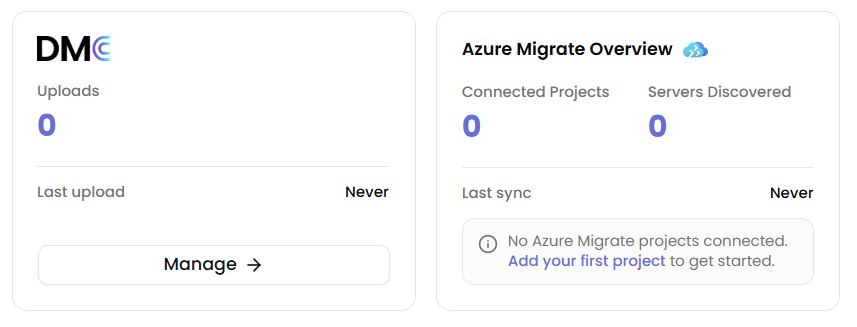
See Selecting DMC as Your Data Source for the full steps.
Upload Your Scan Results
Upload the encrypted ZIP package DMC exported, together with the Decryption Key it displayed at export. Dr Migrate needs both to decrypt and process your scan results.
DMC shows the Decryption Key once, at export, and does not store it. If you no longer have it, export the scan again from DMC and upload the new package with its new key.
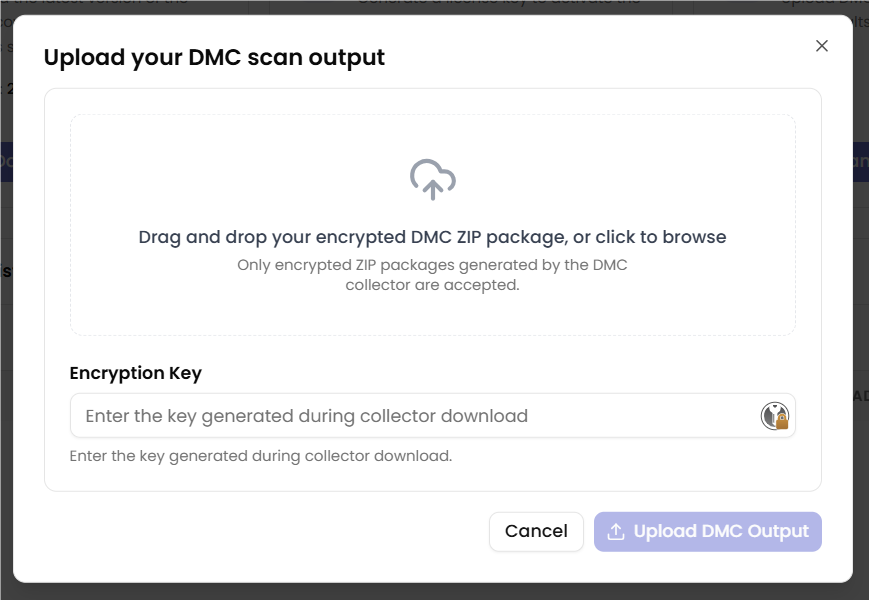
See Uploading & Viewing Results for the full walkthrough, including handling multiple or partial scans and what to expect once your data is processed and ready to explore.
Next Steps
Still Having Issues?
Still stuck? Contact Support for help.