

Downloading DMC
Everything you need to get DMC running is in one place in Dr Migrate: Discover > Data Sources > DMC. Select DMC as your data source, download the collector, and generate your licence key before running your first scan.
Select DMC as Your Data Source
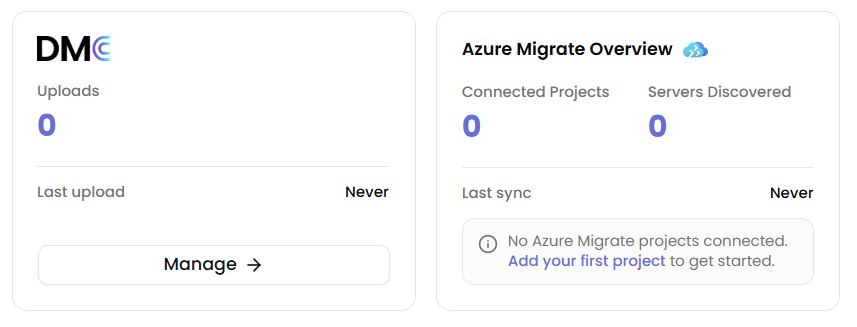
In Dr Migrate, navigate to Discover > Data Sources and click Manage under the DMC card.
Download the DMC Collector
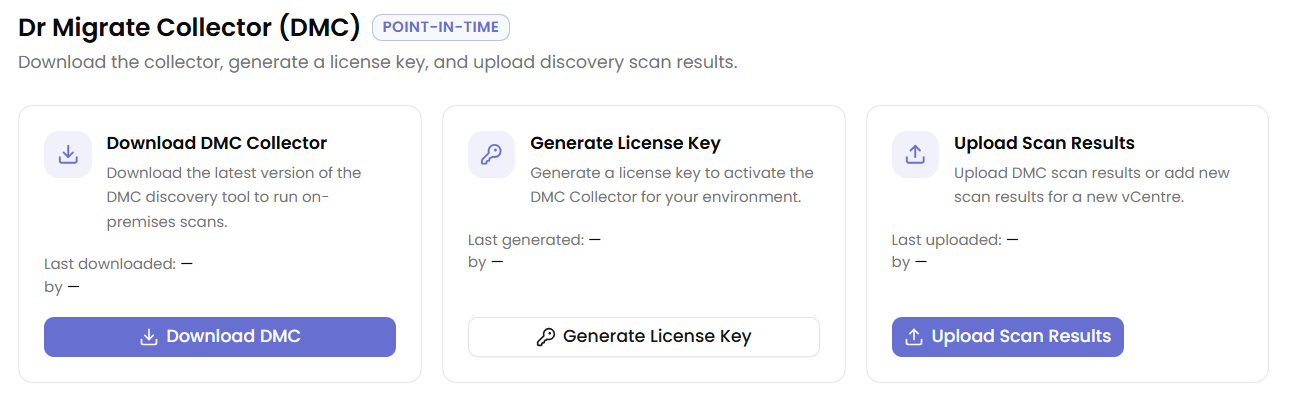
Click Download DMC on the Download DMC Collector card. A dialog opens with two steps.
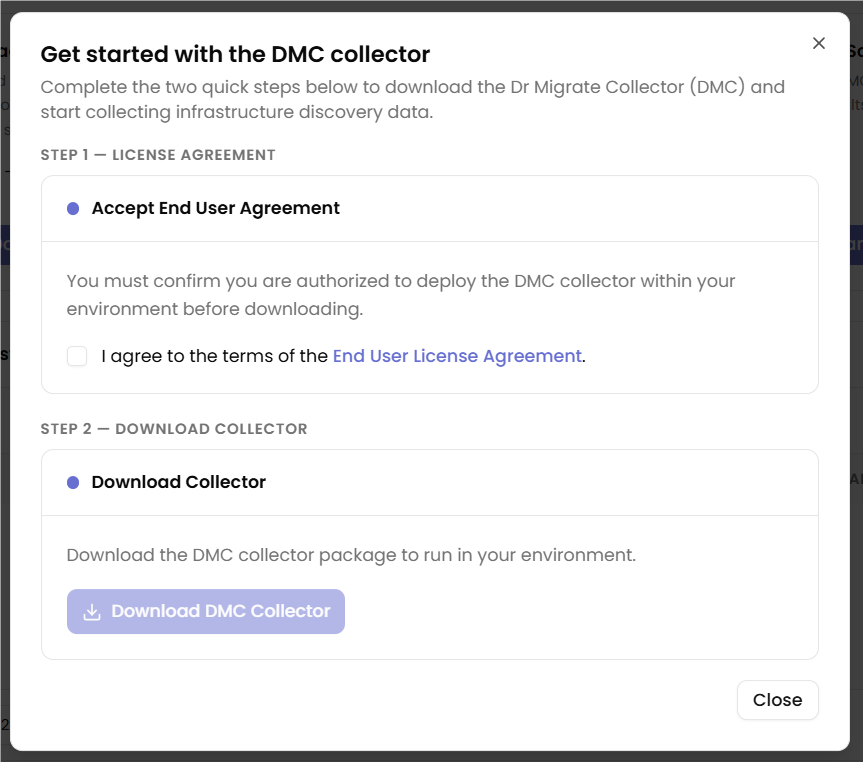
- Check I agree to the terms of the End User License Agreement.
- Click Download DMC Collector to save the installer. Save it to the machine you plan to run the scan from.
The Download DMC Collector card shows the date and user of the last download. You can download a fresh package at any time while your Dr Migrate licence is active.
Generate a License Key
Click Generate License Key on the Generate License Key card. The key is generated and displayed in a dialog.
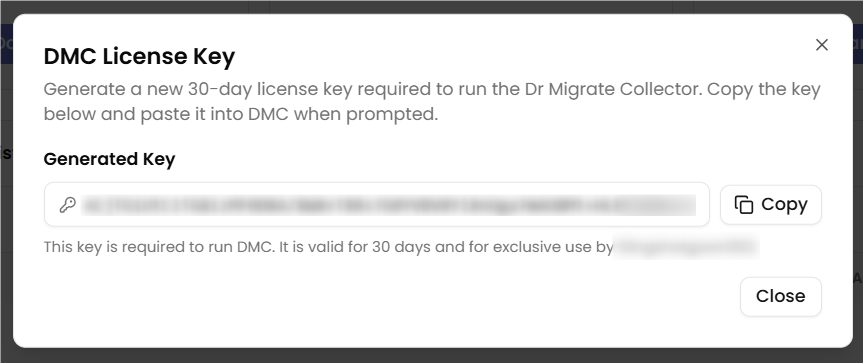
Click Copy to copy the key to your clipboard. You will paste this key into DMC during installation to activate the collector.
Each license key is valid for 30 days and is exclusive to your environment. Generate a new key whenever you need to run a fresh scan or if your previous key has expired.
Next Steps
Choose your scan target and run DMC against your environment.
Upload your encrypted DMC scan results and begin exploring migration insights.
If Windows blocks DMC from running or your antivirus flags it, see DMC Does Not Open for unblock and antivirus exclusion steps before you start.